
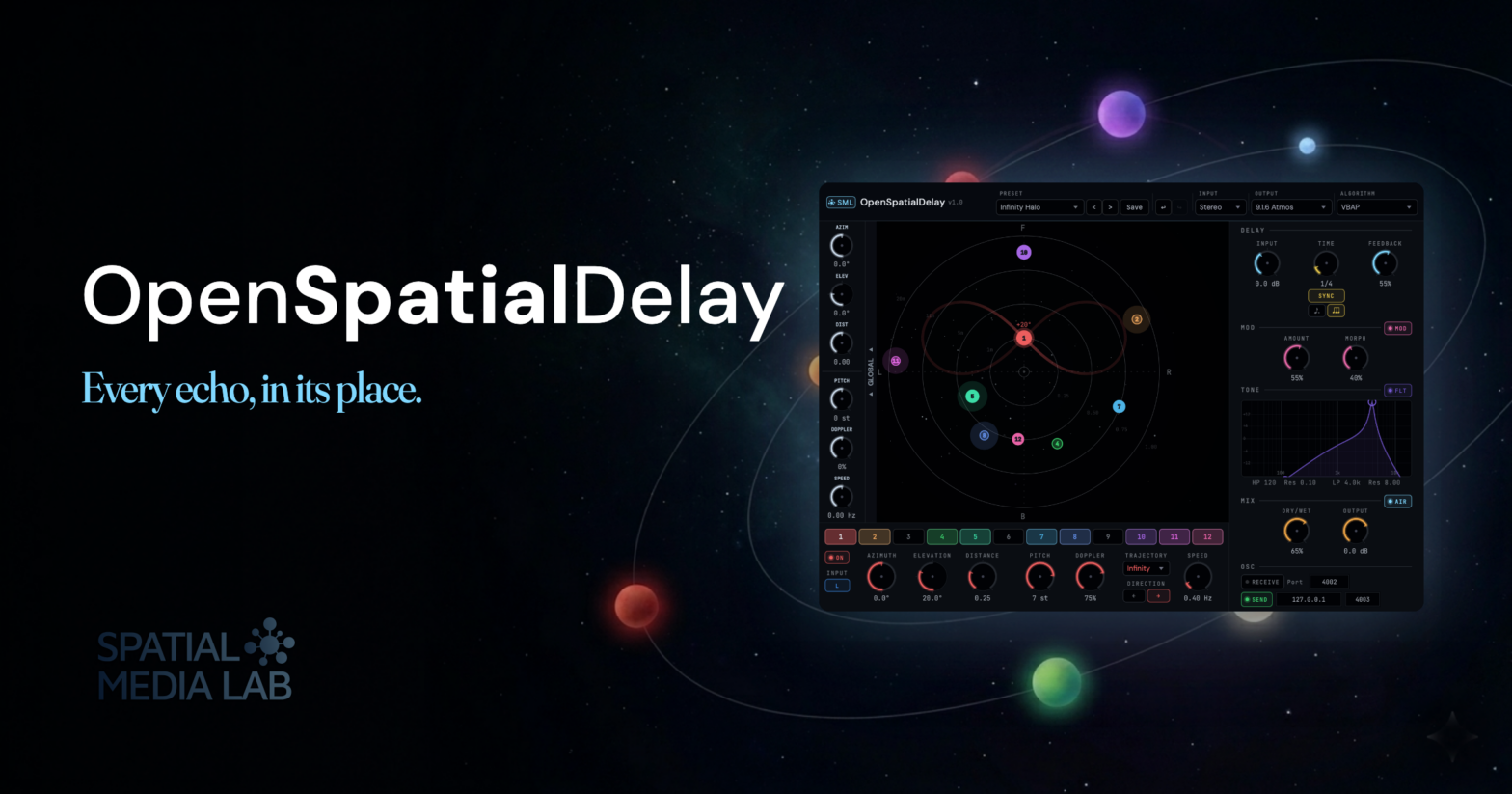
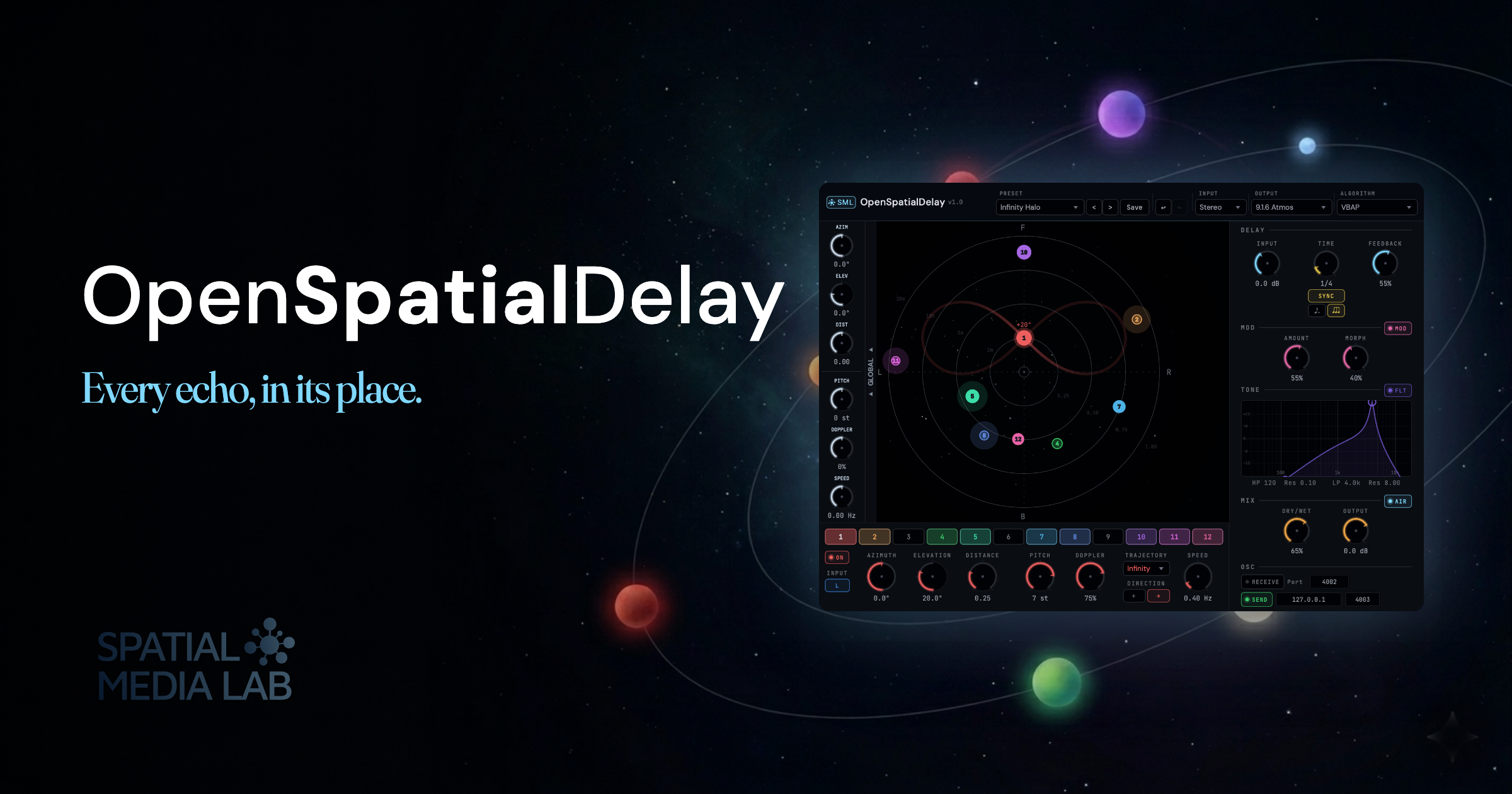
OpenSpatialDelay is out now! It’s a free, open-source spatial delay plugin for VST3 and AU on macOS and Windows. GPL-3.0, binaural HRTF rendering, object-based positioning, and the first tool in the Spatial Media Library pipeline.
OpenSpatialDelay – a free spatial delay for VST3 and AU
I’ve been wanting a delay like this for years.
Most delays give you a stereo field, like left, right, and a few tricks in the middle. When I started working in immersive formats (Ambisonics sessions, Atmos mixes, binaural headphone pieces), I kept reaching for a delay and finding that the thing I actually wanted was missing. Not another ping-pong, not a wider stereo image. I wanted each repeat of a sound to live somewhere real. Above, behind, four meters to the left, drifting out and upward at the end of the tail. A delay that thinks in space rather than in a pair of speakers. And once I had it, even on just a stereo track with headphones on, I didn’t want to go back.
So I built one. I started on March 6, 2026, and seven weeks later it shipped. Free, GPL-3.0, VST3 and AU, macOS and Windows.
And here’s the thing: OSD isn’t only for immersive work. Load it on a stereo bus in Logic or Ableton today and it works: five classic stereo modes, all twelve taps, the full preset bank. Then the day you take on a headphone piece, a dome installation, or a 7.1.4 session, the same patches come with you; different output, same muscle memory. Stereo is where most producers live, and OSD can heighten your mix there too.
What’s inside
I wanted the feature surface to match how spatial mixers actually think, not how delay plugins usually present themselves. A spatial mixer cares about where a sound is, how it moves, and whether you can sync those positions to the outside world. A delay plugin cares about taps, feedback, filtering, and time. OpenSpatialDelay does both: every parameter you’d expect from a serious delay, plus every parameter you’d expect from a scene-based spatial tool. So here’s what’s inside:
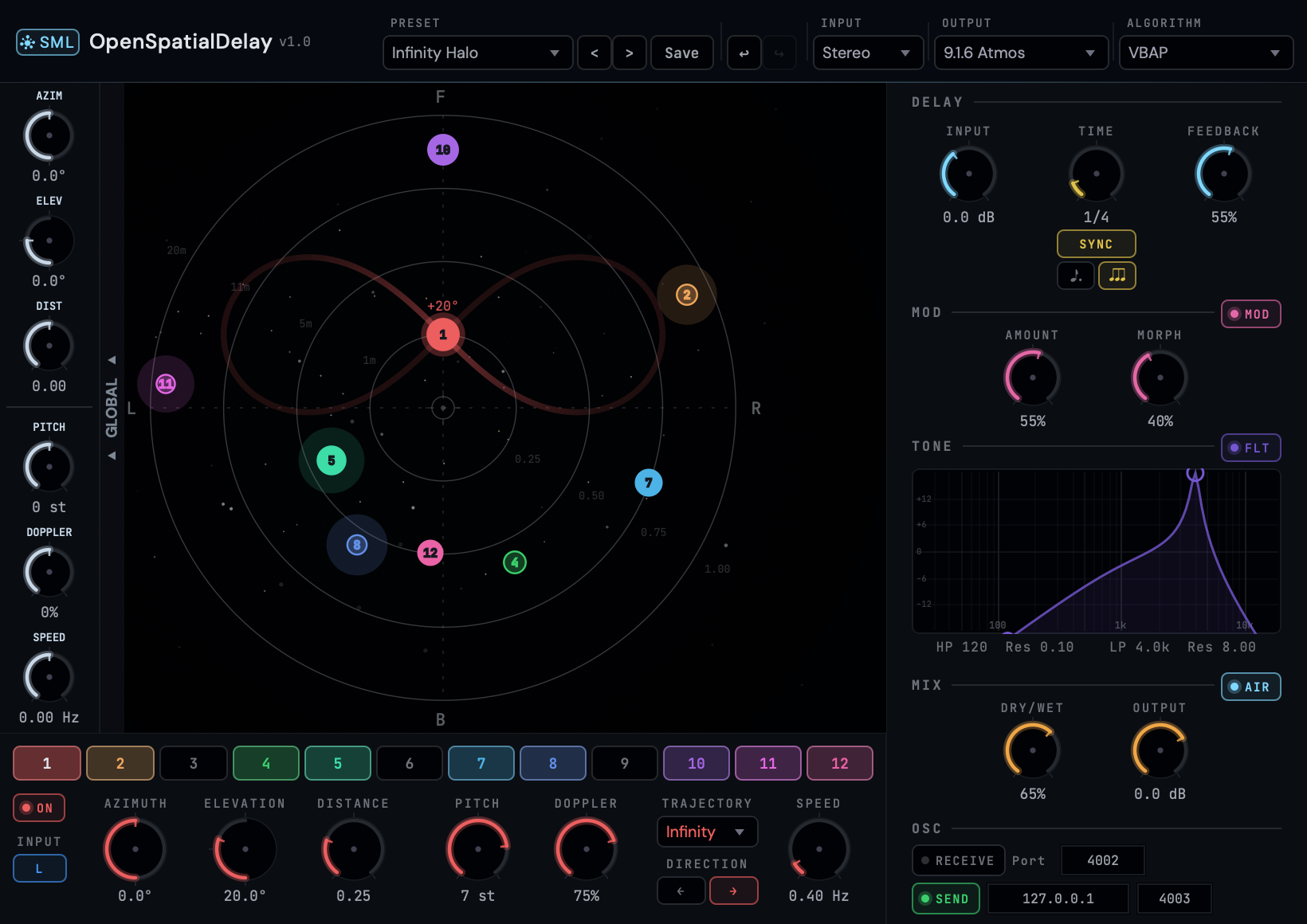
- 12 delay taps, each with an independent 3D position. Put them on a circle, a spiral, a staircase, a cloud, a line overhead; wherever the piece wants them. Each tap has its own feedback, its own filter, its own level, its own trajectory.
- Works stereo-to-spatial: same 12 taps, same UI, three algorithm families underneath.
- Stereo (5 modes): Equal Power, Stereo VBAP, XY Pair, MS Encode, Blumlein. Load OSD on any stereo track and it works immediately.
- Binaural (6 modes): 5 measured HRTF profiles (KU100, CIPIC, HUTUBS, MIT KEMAR, SADIE) plus a Simple mode for basic binaural without HRTF coloration. The profiles are real measured datasets, not modeled approximations; finding the one that works best for your ears is part of the fun.
- Surround (7 algorithms): Ambisonics, ConstantPower, DBAP, KNN, MDAP, VBAP, or VBIP for Quad, 5.1, 7.1.4 Atmos, and domes. Or encode to Ambisonics up to 6th order and use your favorite decoder for any speaker configuration.
- 70 factory presets to start from, including Stereo Ping-Pong and Wide Stereo for conventional mixes, binaural-headphone specials for headphone pieces, cinematic whooshes, ambient beds, rhythmic counter-lines, 8-channel dome setups, and practical utility patches for Atmos sessions. Shaped by what real mixers actually reach for, not just programmer demos.
- A trajectory engine that moves each delay tap through space. Linear sweeps, orbits, pendulums, random paths. Every delay tap can have its own path.
- ADM-OSC in and out so OSD talks to Spat Revolution, Panoramix, Iannix, TouchDesigner, and the rest of the object-based ecosystem. Automate positions from outside. Send the plugin’s positions outward to drive a visualiser. Drop it into an existing ADM workflow effortlessly.
- VST3 + AU, macOS + Windows, GPL-3.0. Free to download, free to use in commercial work, free to fork and modify. No trial timer, no licence server, no unlock dance. Simply, if you like it and want to see more where that came from, sign up for my Patreon and support my work for the price of a coffee a month.
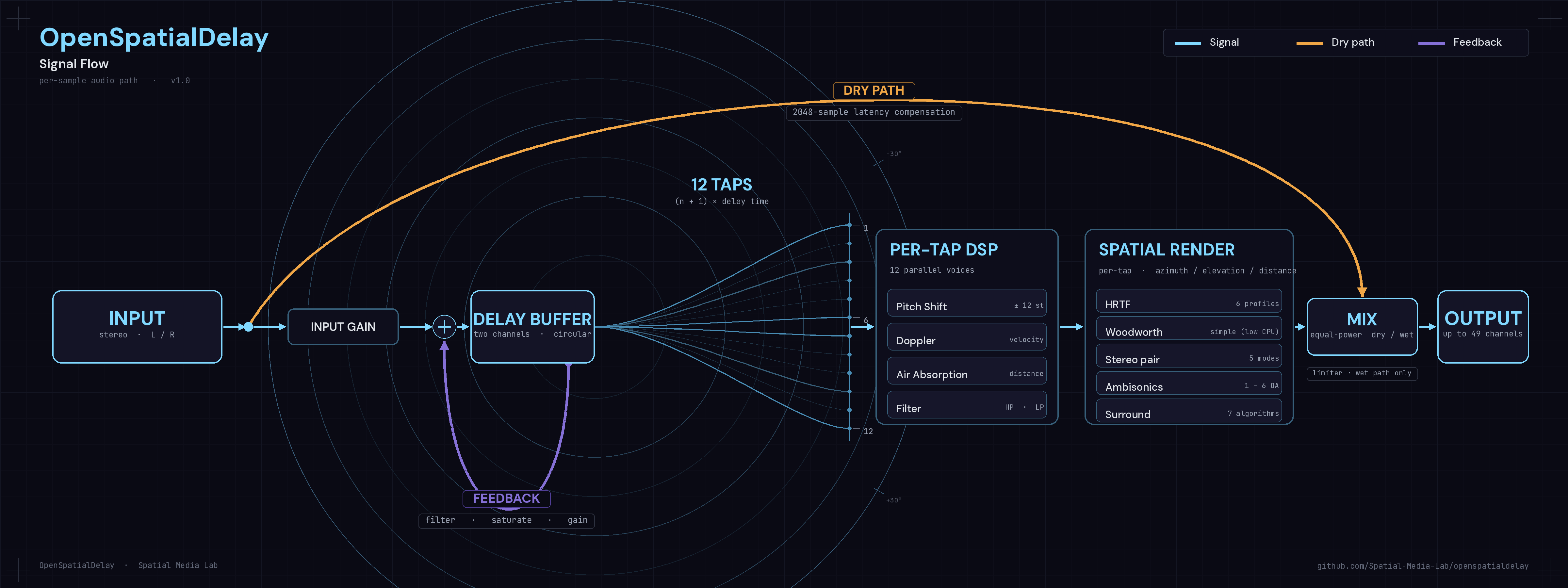
OpenSpatialDelay is the first tool in the Spatial Media Library toolset. The plan is a small family of spatial-audio plugins that share the same framework underneath: panners, choruses, reverbs, and synthesizers. Build the engine once, ship several tools on top of it.
Keeping the whole pipeline open means two things:
1) the tools are genuinely free, right now, for everyone:
- students learning Ambisonics
- composers scoring their first VR piece
- sound designers on a deadline with no budget for a dearVR seat
- mixers who want to experiment with immersive without committing to a subscription
2) the work is transparent. The source is on GitHub. If you want to see exactly how the HRTF path is wired, or why a particular edge case is handled a particular way, you can read it. You can patch it. You can fork the whole thing and take it somewhere I never would have thought of.
If you want to support the work and keep the pipeline moving, Patreon is where that happens. Nothing goes behind a paywall; backers fund the time that makes the next tool possible, and help steer the direction of the project. That’s the deal.
If you make something with it (a track, a field recording treatment, a game-audio experiment, a piece for headphones, anything), I’d love to hear it. Tag @spatialmedialab on Insta or drop me a line through the site. It’s been a very long time since I’ve wanted this thing and I can’t wait to see what everyone else does with it.
See you at Superbooth!
Links:
- Get OSD (mailing list + download): andrewrahman.com
- Support on Patreon: patreon.com/AndrewRahman
Source code: github.com/Spatial-Media-Lab/OpenSpatialDelay